Typical pricing for React Native developers
Rates vary by scope, seniority, and whether the work is a greenfield build, a rescue project, or ongoing maintenance. Below is a practical reference for common React Native hiring needs.
| Engagement type |
Typical scope |
Common rate range |
| Junior / mid-level support |
UI screens, small fixes, simple integrations |
$25–$55/hr |
| Experienced React Native developer |
Feature development, API work, state management, app improvements |
$55–$100/hr |
| Senior mobile specialist |
Architecture, performance, release support, complex debugging |
$100–$160/hr |
| Fixed-scope MVP build |
Initial app build, core flows, launch support |
$3,000–$25,000+ |
Your final cost depends on the app complexity, the number of screens, backend readiness, design quality, and whether you need both iOS and Android release management.
Formats and use cases
React Native developers are a strong fit for many mobile projects:
- MVPs and startup launches: validate an idea fast with shared code for iOS and Android.
- Existing app feature work: add onboarding, payments, chat, maps, notifications, or analytics.
- Bug fixing and maintenance: reduce crashes, resolve device-specific issues, and keep dependencies current.
- UI rebuilds and redesigns: improve the user experience without rewriting the whole product.
- App store release support: prepare builds, handle submission issues, and align release notes.
- Backend-connected mobile apps: integrate REST or GraphQL APIs, Firebase, auth providers, and webhooks.
- Expo and managed workflow projects: move quickly when you want fast iteration and simpler delivery.
- Bare React Native and native module work: support more advanced mobile requirements when platform-specific access is needed.
If you need to hire React Native developers for a product that must move quickly, clarity matters more than a long wish list. The best briefs include platform targets, user journeys, design files, existing repo access, analytics requirements, and any hard constraints around launch dates or compatibility.
Four hiring steps on Selfwork
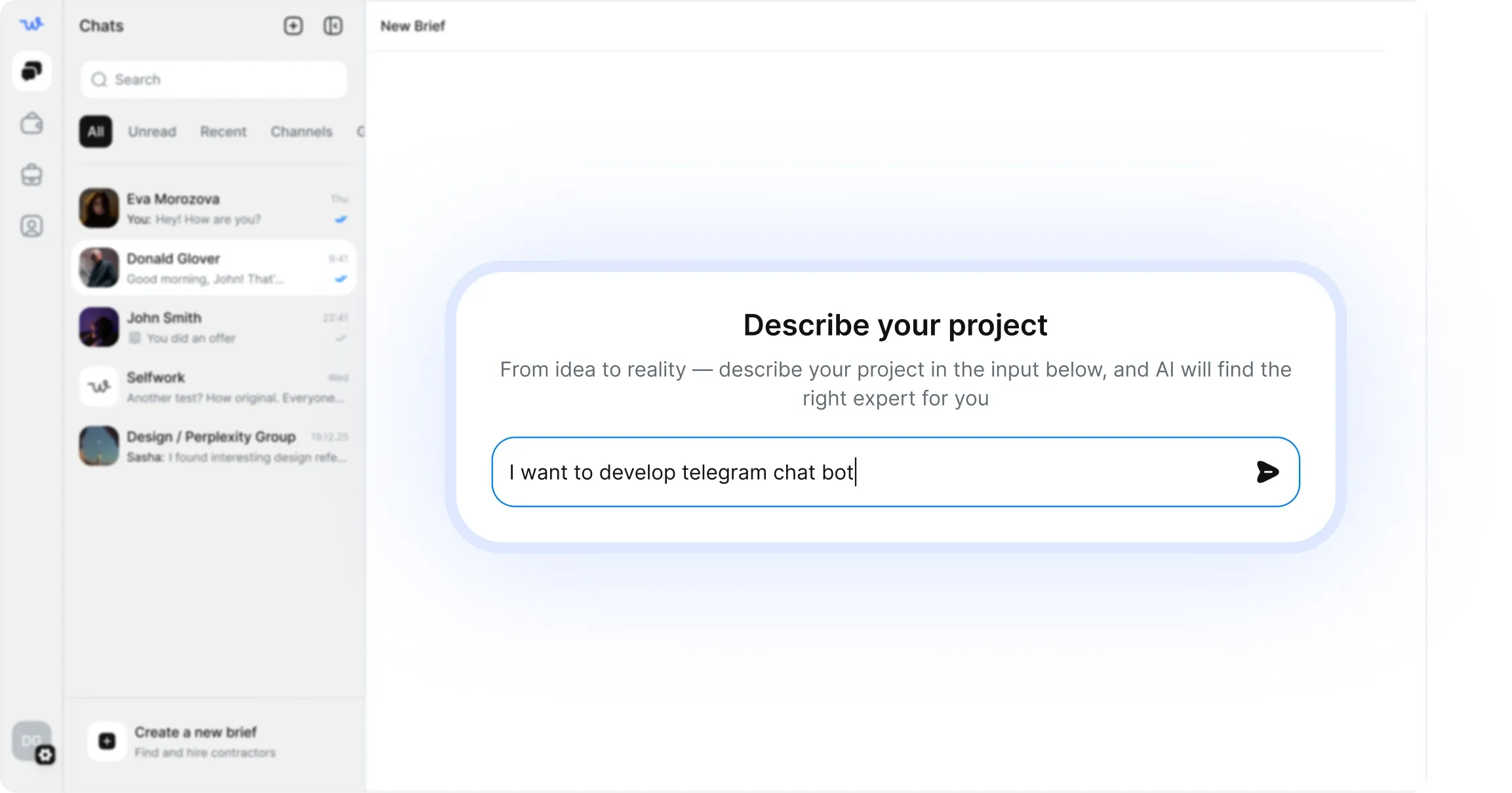
- Publish your brief — describe the app, target users, current stack, and launch goals.
- Review matched React Native developers — compare developers by relevant mobile experience, app types, and availability.
- Interview and confirm fit — ask about architecture choices, release experience, debugging approach, and how they handle handoff.
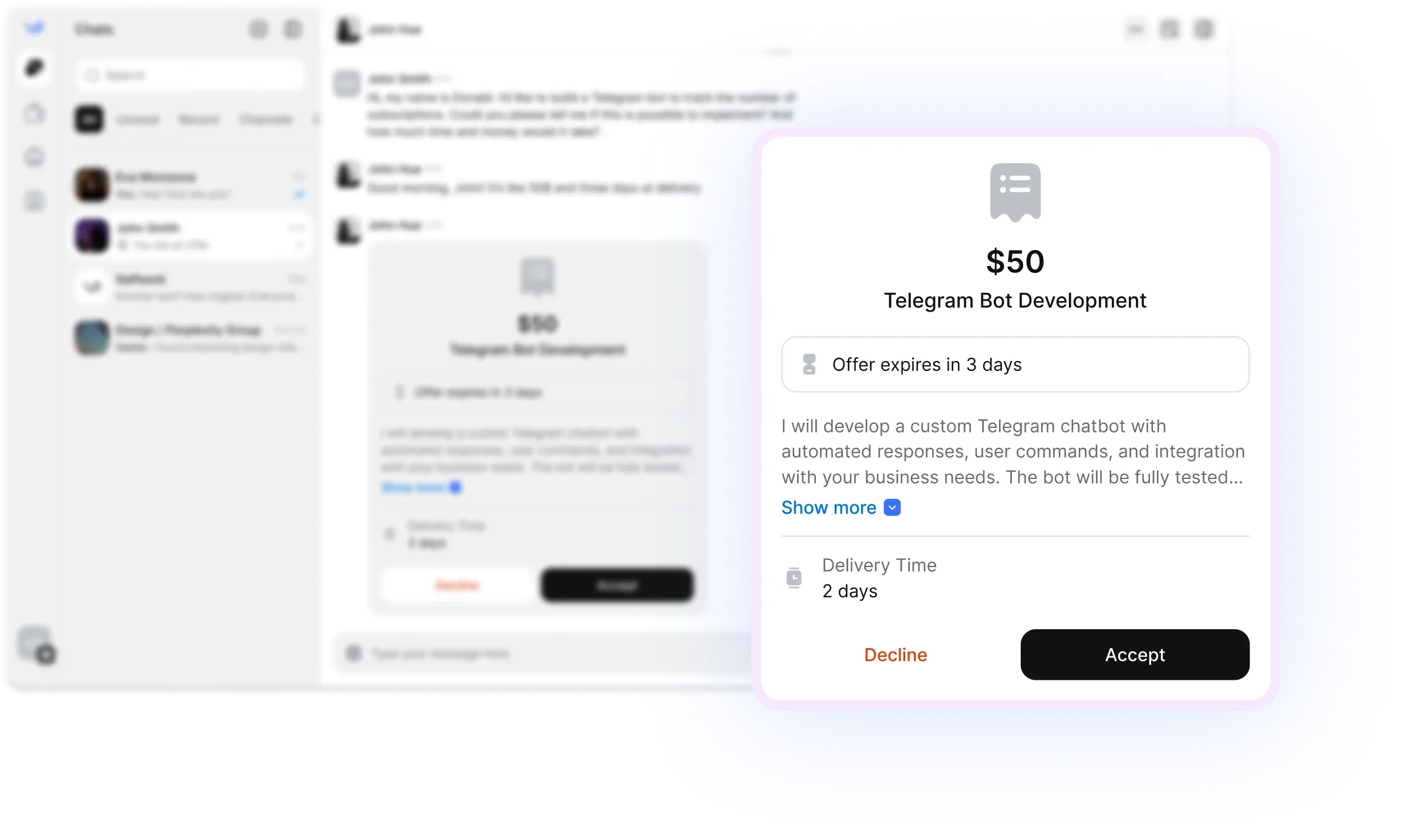
- Start with escrow — fund the work securely and release payment when milestones are completed.
This workflow is designed to make it easier to hire freelance React Native talent with confidence, especially when you need a remote developer who can start quickly and work with minimal supervision.
Common brief mistakes to avoid
A vague brief usually leads to slower delivery and weaker candidate matches. Avoid these common mistakes:
- Not specifying Expo vs bare React Native: this changes tooling, release flow, and integration options.
- Leaving out platform priorities: mention whether iOS, Android, or both are required.
- Skipping API details: tell candidates whether the app uses REST, GraphQL, Firebase, or custom backend endpoints.
- Ignoring design readiness: explain whether Figma files are complete or if UI decisions still need support.
- Not listing existing problems: if you need a rescue, say where the app is failing, crashing, or blocked.
- No release context: include App Store and Google Play needs, signing access, and who handles submission.
- Overloading the first sprint: separate must-have launch features from future roadmap items.
When you hire React Native developers, the strongest briefs are specific about the user flow, technical stack, and deadline. That helps remote specialists estimate accurately and start contributing faster.
Verification and escrow
Selfwork is built to reduce hiring risk. Before you hire, you can review specialist profiles, past work, skills, and project fit. Verification helps you filter for genuine experience, while escrow gives both sides a safer way to begin.
Escrow is especially useful for React Native work because mobile projects often have milestone-based delivery: design implementation, API wiring, bug fixing, testing, beta release, and app store submission. Instead of paying upfront for the full project, you can release funds as each milestone is approved.
For ongoing maintenance, escrow also makes it easier to work in smaller chunks: a crash fix, a dependency upgrade, a screen rebuild, or a release candidate can each be tied to a clear deliverable. That keeps progress visible and protects both sides.
FAQ
How do I hire React Native developers for an existing app?
Share the repository, current app store links, stack details, known bugs, and the exact feature or fix list. This helps you match with developers who can work inside your codebase quickly.
Can React Native developers handle both iOS and Android?
Yes. That is one of the biggest advantages of React Native. A good developer should understand shared components, platform differences, release workflows, and when native modules are needed.
Should I choose Expo or bare React Native?
It depends on your needs. Expo is often faster for MVPs and simpler apps, while bare React Native can be better for advanced native integrations and custom mobile requirements.
What should I include in a React Native project brief?
Include your app goal, target platforms, current stack, design files, API status, release deadline, and any must-have features like login, payments, notifications, or analytics.
Can I hire a remote React Native developer for short-term work?
Yes. Selfwork supports freelance and remote React Native hiring for small fixes, feature sprints, app improvements, and full project builds.