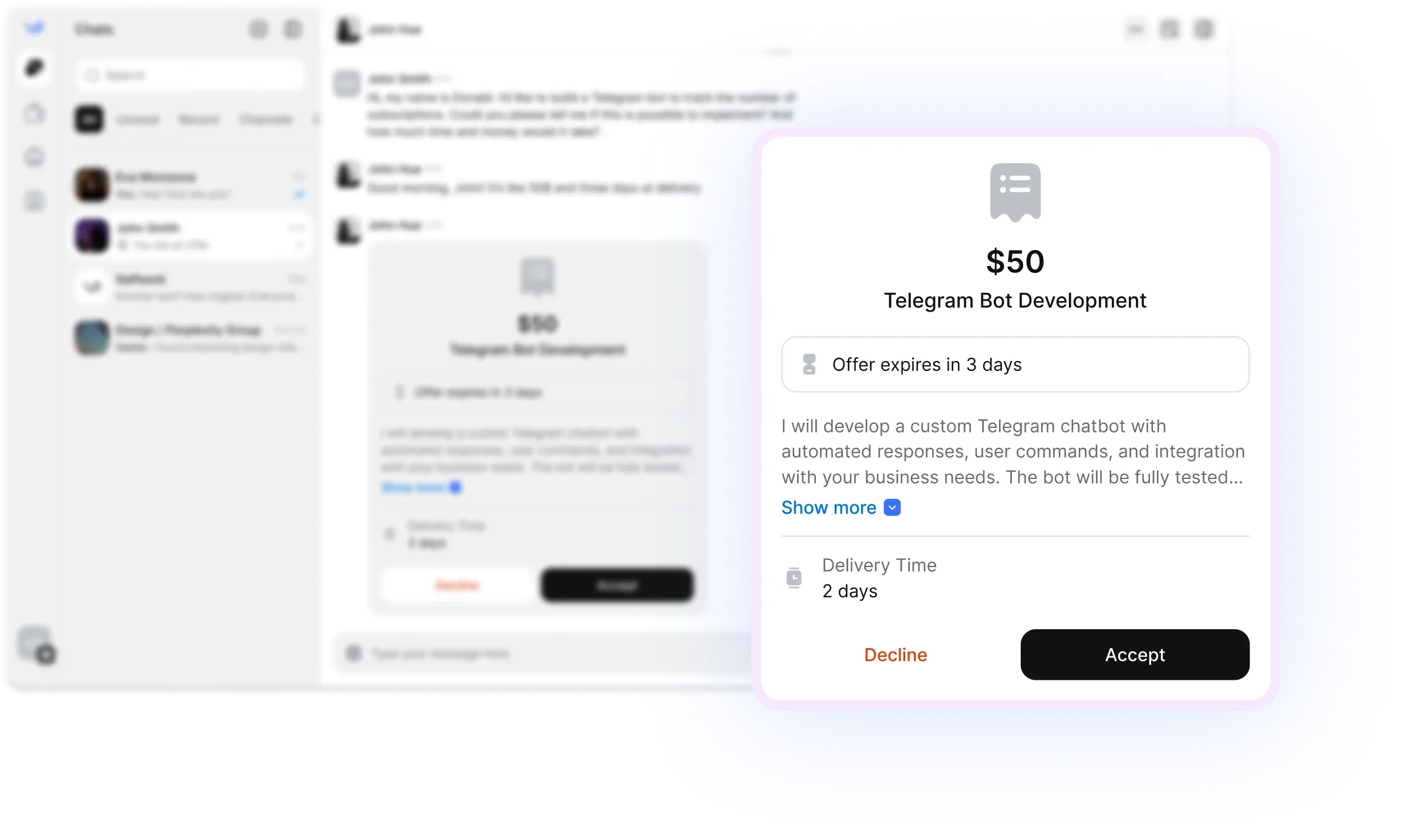
Pricing
Mobile design pricing depends on scope, seniority, and whether you need strategy, UI execution, or both. Simple screen design usually costs less than a full app redesign or a design system rebuild. You should expect to pay more when the brief includes research, UX flows, interaction design, and developer handoff support.
| Service type |
Typical scope |
Common pricing model |
| Screen design sprint |
3–8 key screens, style exploration, layout refinement |
Fixed project fee |
| MVP mobile UI |
Core flows, onboarding, dashboard, settings, checkout |
Fixed project fee or milestone-based |
| App redesign |
Visual refresh, UX cleanup, updated component system |
Milestone-based |
| Prototype and interaction design |
Clickable prototype, motion cues, state changes |
Hourly or fixed fee |
| Design system support |
Components, spacing rules, typography, tokens |
Hourly or retainer |
For small tasks, many clients hire freelance mobile designers on a fixed-price basis to keep delivery predictable. For ongoing product work, remote mobile designers are often hired on a weekly or monthly retainer, especially when the app is shipping new features continuously.
Formats and use-cases
You can hire mobile designers for a wide range of project formats:
- Startup MVPs: turn a rough product idea into a usable app experience with a clear navigation structure and launch-ready screens.
- iOS app design: create interfaces that follow Apple conventions, feel native, and support common iPhone interaction patterns.
- Android app design: adapt layouts and components for Material-style behavior, platform expectations, and device variation.
- SaaS companion apps: design mobile dashboards, notifications, approvals, and task-based workflows that match a larger product ecosystem.
- Ecommerce and marketplace apps: build browsing, filters, cart, checkout, and account experiences that reduce friction.
- Redesigns: improve outdated interfaces, fix usability issues, and modernize the look without losing product clarity.
- Prototypes: validate flows before development with clickable screens and interaction states.
- Design systems: create reusable components, spacing logic, and visual consistency across screens and teams.
Four hiring steps on Selfwork
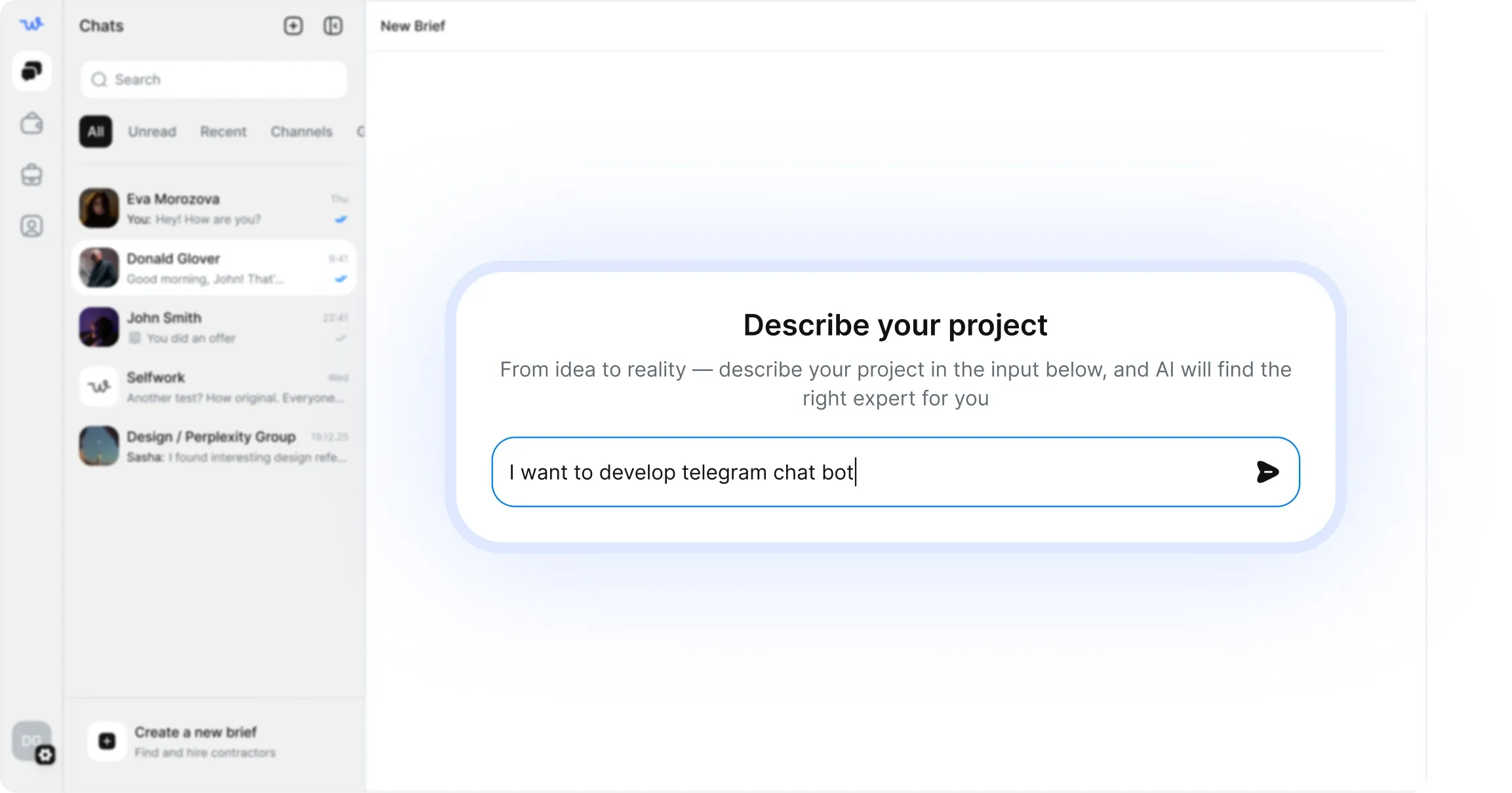
Define the brief
- Share your app type, target users, design references, must-have screens, and deadline.
- Include platform priorities such as iOS, Android, or both.
- Specify deliverables like wireframes, hi-fi screens, prototype links, or component libraries.
Review matched specialists
- Compare freelance mobile designers by portfolio relevance, response speed, and product experience.
- Look for examples in similar industries, device types, and feature complexity.
- Shortlist designers whose style matches your brand and whose process matches your timeline.
Agree on scope and milestones
- Break the project into clear phases such as discovery, wireframes, UI design, and handoff.
- Confirm revision rounds, file formats, and any required collaboration with developers.
- Use milestones to keep approval points clear.
Hire with escrow and start
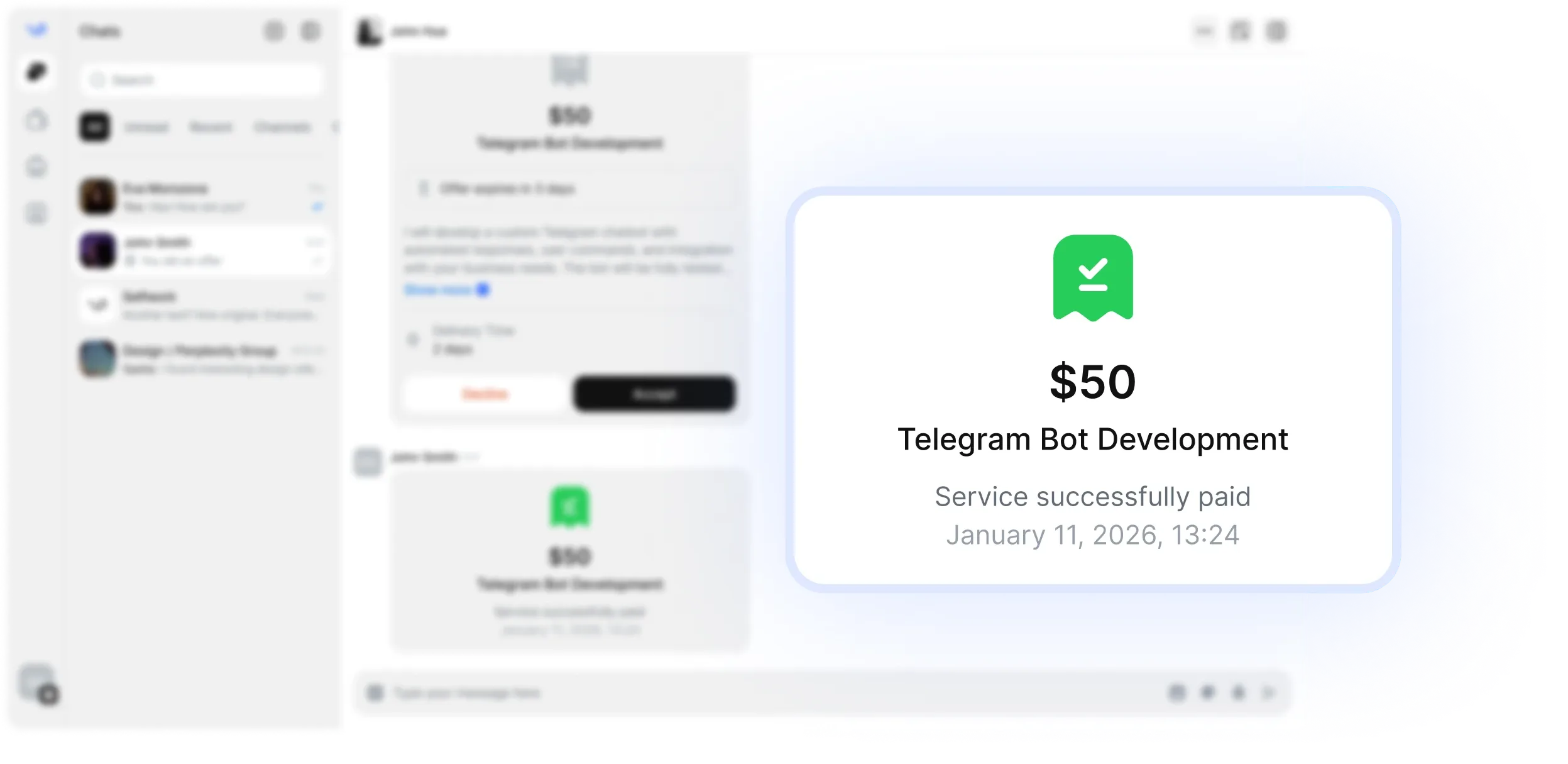
- Fund the project safely, then begin with the approved brief.
- Share feedback early on layout, hierarchy, and interaction flow.
- Release payment when the agreed deliverables are complete.
Common brief mistakes
A vague brief is the biggest reason mobile design projects slow down. If you want to hire mobile designers successfully, avoid these mistakes:
- Not naming the platform: iOS and Android are similar, but they are not identical. State which one matters most.
- Missing the core user flow: tell the designer the main journey you want to improve, not just the screens you want drawn.
- No device context: mention phone-first, tablet support, or responsive behavior if relevant.
- Undefined deliverables: do you need wireframes, final UI, prototypes, or handoff specs? Say it clearly.
- Too many references without direction: a board full of mixed styles can slow the process. Choose a few strong examples and explain why they matter.
- Ignoring technical constraints: include engineering limitations, component libraries, or brand rules so the design is feasible.
Verification and escrow
Selfwork helps reduce hiring risk by combining specialist verification with escrow protection. That matters when you hire remote mobile designers for important product work, because design quality is not only visual — it affects usability, development speed, and release timing.
Verified profiles help you review real experience, platform familiarity, and prior app work before starting. Escrow adds an extra layer of security by keeping funds protected until milestones are approved. For clients, that means you can move faster with freelance mobile designers while keeping the process structured and safe.
FAQ
What should I include when I hire mobile designers?
- Include the app type, target users, key screens, platform, deadline, and any style references. If possible, add your current product or wireframes so the designer can understand the existing flow.
Can I hire remote mobile designers for both iOS and Android?
- Yes. Many mobile designers work across both platforms and can adapt layouts, spacing, and component behavior to each ecosystem.
Do mobile designers on Selfwork handle prototypes?
- Many do. If you need a clickable prototype, mention the tool you prefer and the level of interaction detail required.
What if I need an app redesign instead of new screens?
- That is a common use case. Share your current app, the pain points you want to fix, and the goals for the redesign so the designer can improve the right areas.
How fast can I start?
- Usually very quickly. Once you post a clear brief, you can review available freelance mobile designers and begin matching with specialists who fit your project.