Pricing for audio editing
Pricing varies by complexity, file quality, turnaround, and deliverables. Simple cleanup for a short interview is very different from multi-track podcast editing or detailed restoration work. The table below shows common pricing patterns you can use to scope your brief.
| Project type |
Typical pricing model |
What affects the cost |
| Short podcast or interview cleanup |
Per finished minute |
Noise reduction, pacing, number of speakers, intro/outro needs |
| Full podcast episode edit |
Per episode |
Raw file quality, music beds, ad reads, chapter markers, revision rounds |
| YouTube or social audio repair |
Per video or per minute |
Sync issues, background noise, loudness matching, platform specs |
| Voiceover cleanup |
Per file or hourly |
Breath control, de-clicking, de-noising, EQ, delivery format |
| Multi-track post-production |
Hourly or project-based |
Track count, mixing complexity, session organization, deadlines |
| Restoration and repair |
Hourly or premium project rate |
Clipping, hum, hiss, echo, distortion, damaged recordings |
If you want to hire audio editors affordably, the biggest lever is preparation. Clean files, clear notes, and one defined deliverable can reduce the quote significantly. If you need a remote audio editor for recurring work, ask for a monthly or per-episode rate so you can compare true cost rather than just hourly speed.
Formats and use cases
Freelance audio editors can handle far more than podcast cleanup. On Selfwork, clients typically hire audio editors for:
- Podcasts and interview series
- YouTube videos and creator content
- Online courses and educational modules
- Voiceovers, narrations, and ad reads
- Social media clips with clean dialogue
- Product demos, webinars, and internal training
- Branded audio content for agencies and startups
- Music-adjacent editing, rough mixes, and session cleanup
- Restoration of noisy, distant, or inconsistent recordings
A remote audio editor can also work across platforms and tools depending on your pipeline. Common workflows include file prep in Audition, detailed restoration in iZotope RX, session editing in Pro Tools, podcast assembly in Reaper, voiceover finishing in Logic Pro, and video-linked exports through Premiere Pro. If your team already has a preferred loudness target, naming convention, or export preset, add that to the brief so the audio editor can deliver files that fit your publishing workflow.
Four hiring steps on Selfwork
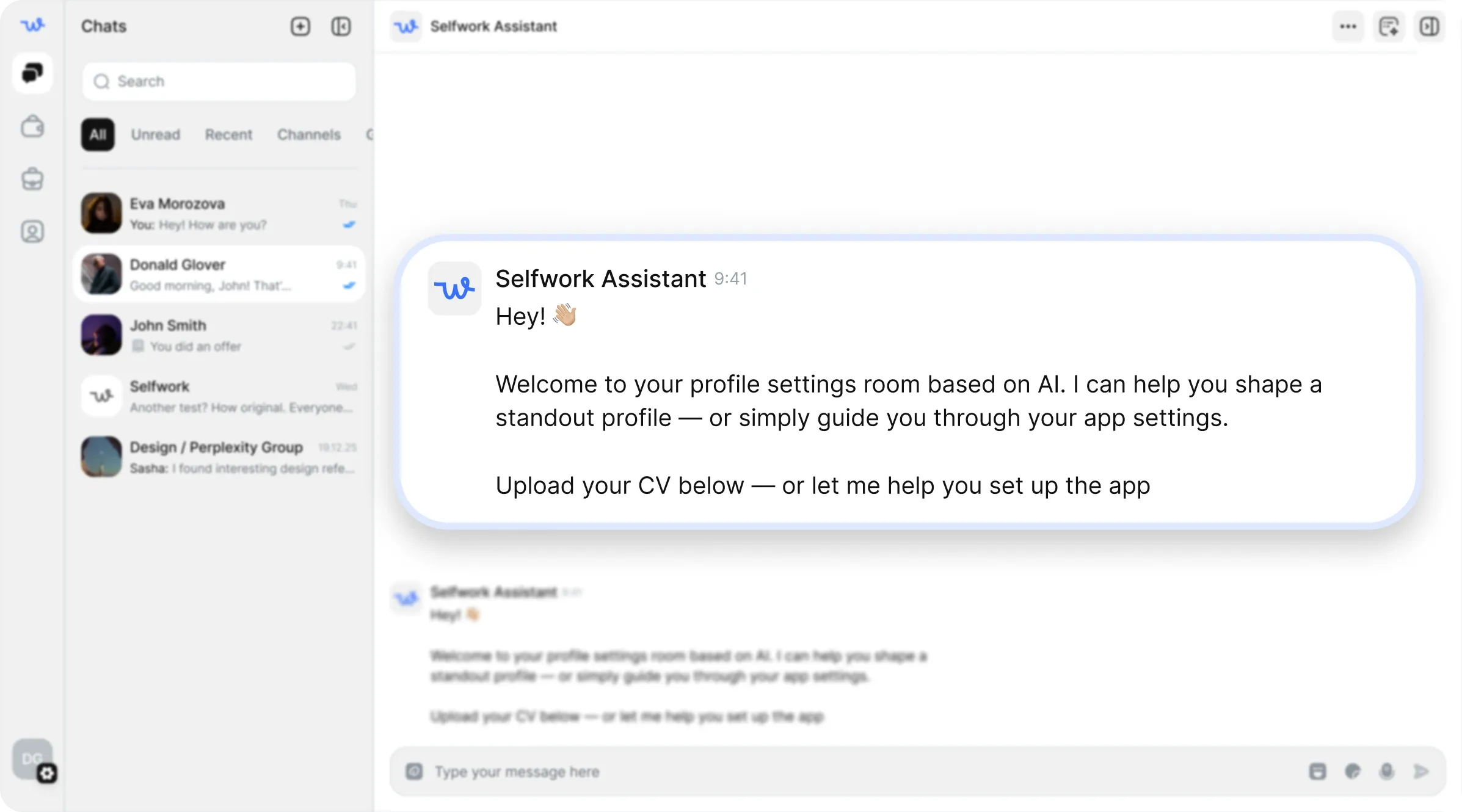
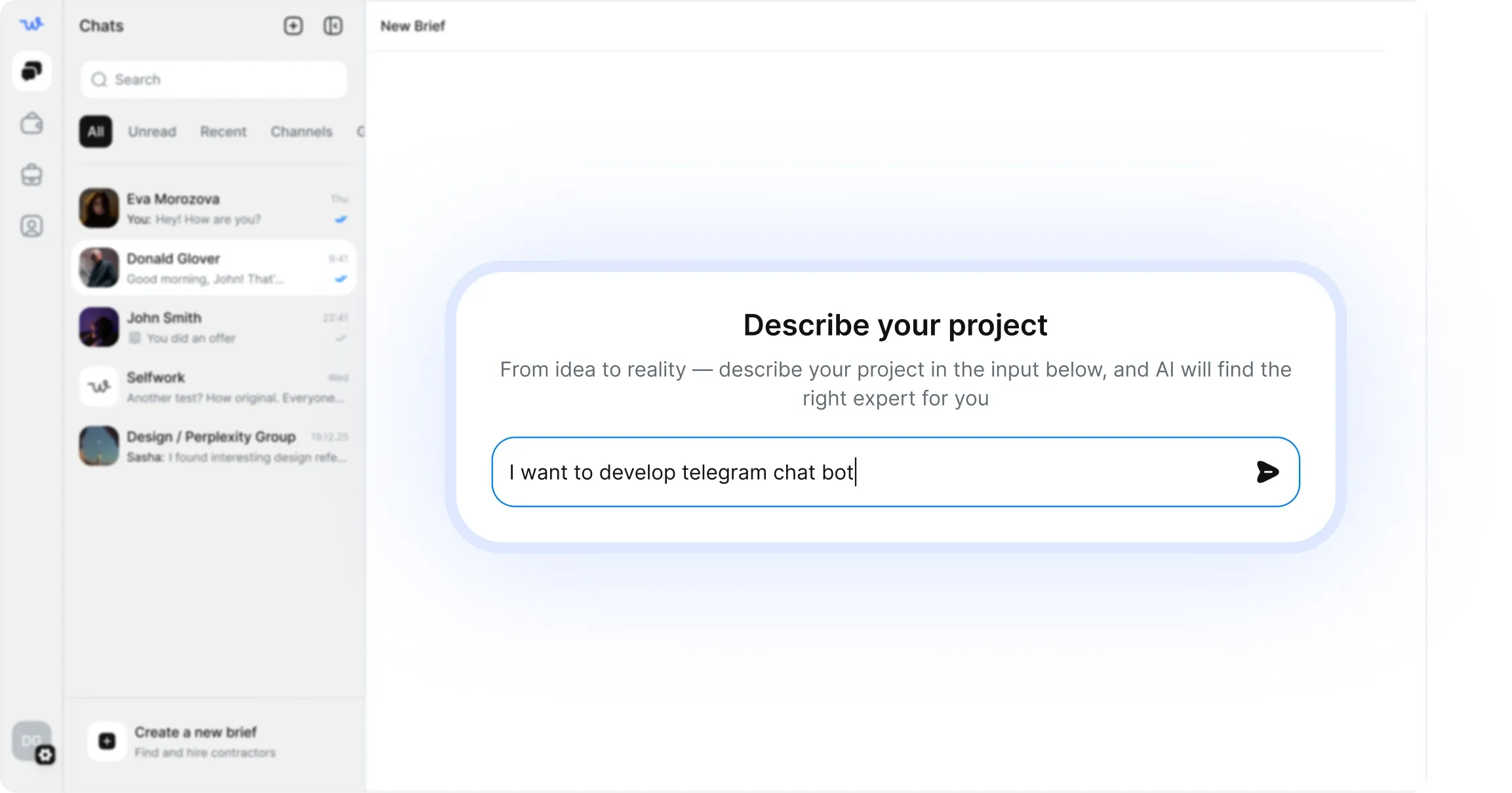
- Describe the job clearly. Share the type of content, file length, track count, platform, deadline, and what “done” means for you.
- Review matching specialists. Compare freelance audio editors by tools, previous work, turnaround, and fit for your format.
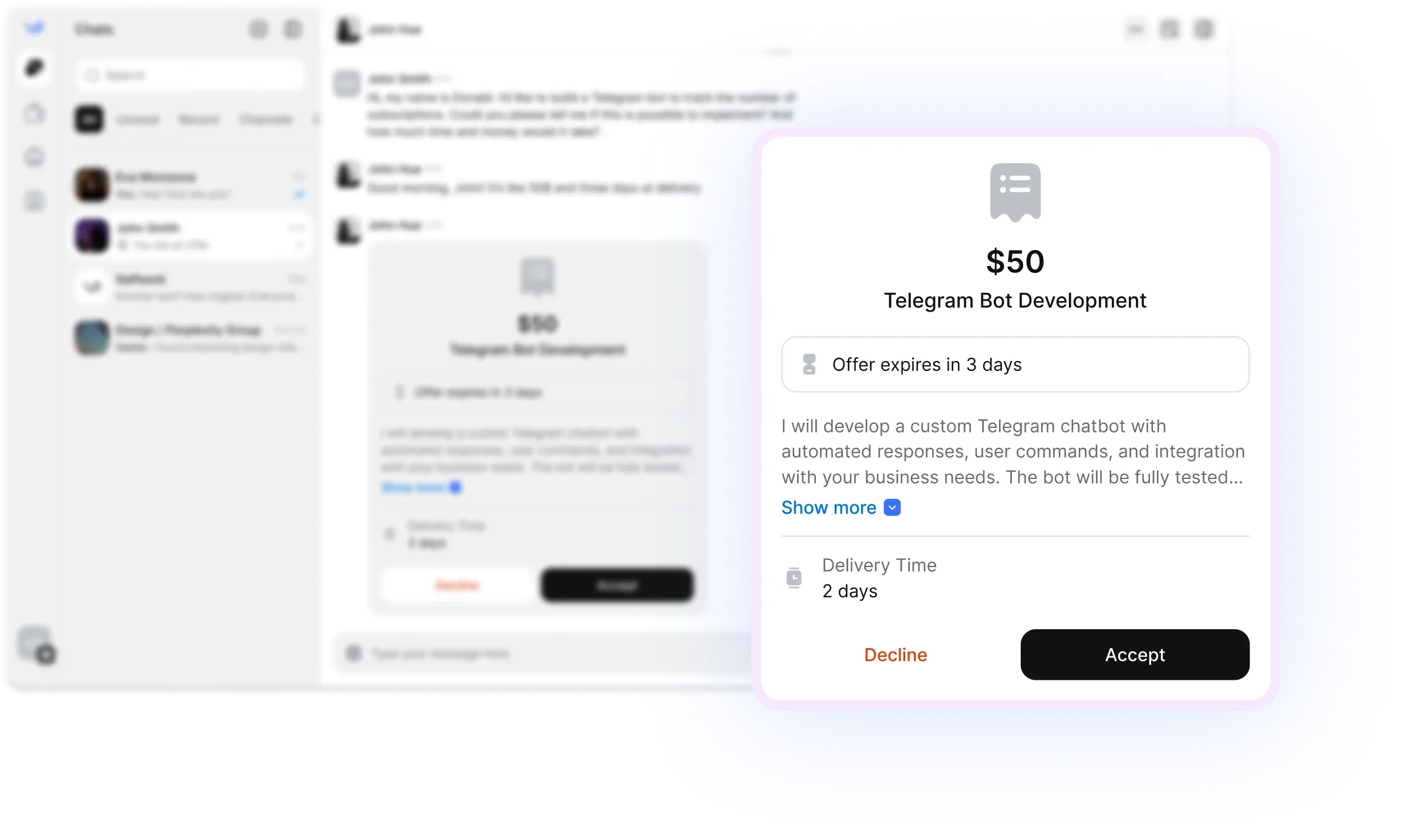
- Confirm scope and price. Agree on deliverables, revision limits, export formats, and any restoration or mixing extras before work begins.
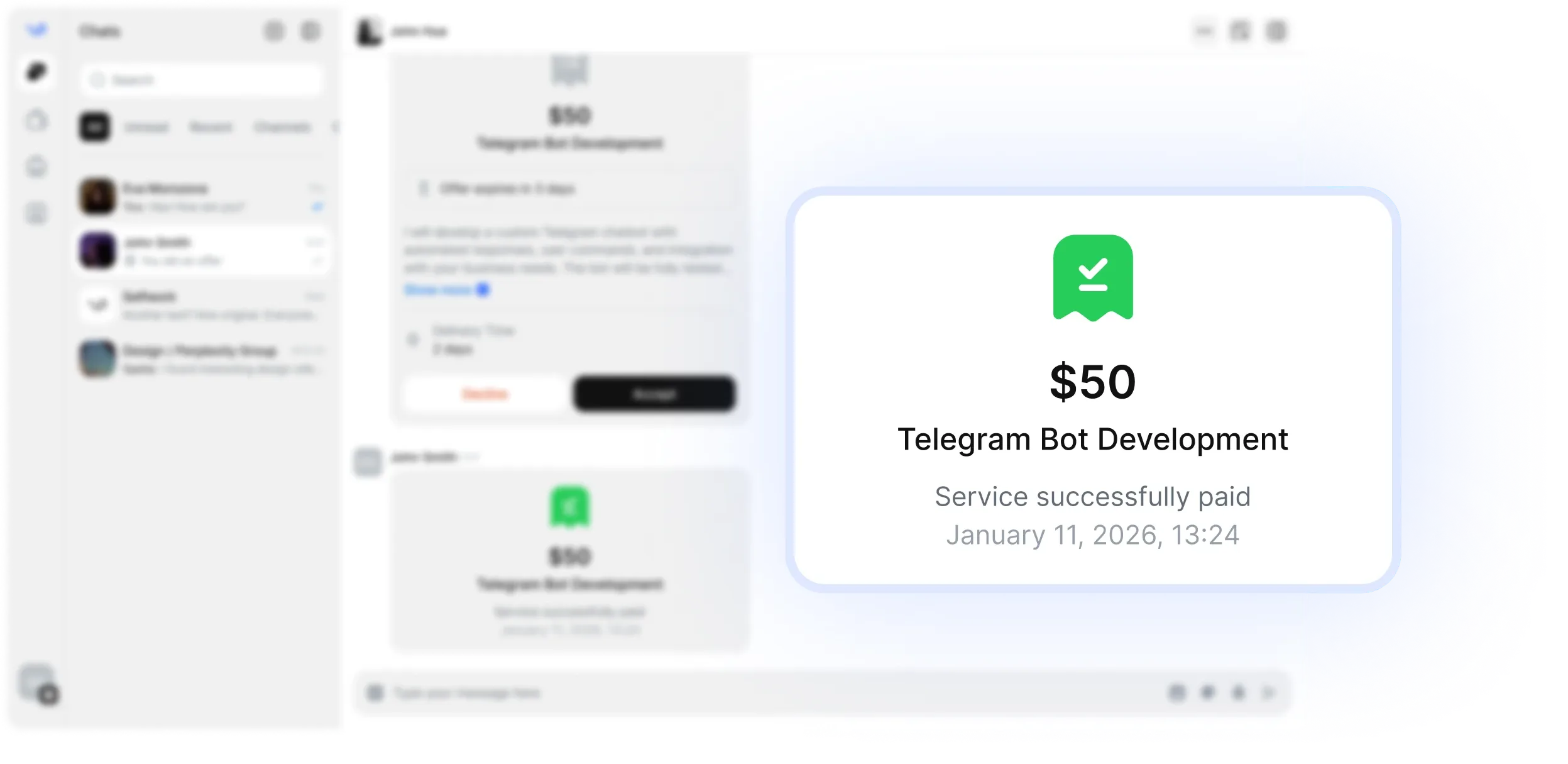
- Fund escrow and start. Once the job is funded, your audio editor can begin work with clear expectations and a protected payment flow.
Common brief mistakes to avoid
A vague brief usually leads to extra revisions. The most common mistakes when people hire audio editors are:
- Not specifying the content type, such as podcast, ad, course, or interview
- Forgetting to mention whether the editor should clean audio, cut content, or mix the whole session
- Leaving out the number of speakers, tracks, or files
- Not stating your loudness target or platform requirements
- Skipping reference examples for tone, pacing, or polish
- Assuming the editor will handle music licensing, transcription, or cover art unless you ask
- Sending damaged files without explaining the recording issues you already know about
If you want a remote audio editor to move quickly, include timestamps for problem sections, preferred intro length, and any no-go changes. For example: remove filler words, keep natural pauses, reduce room noise, preserve guest tone, and export a stereo WAV plus an MP3 version.
Verification and escrow
Selfwork helps reduce risk when you hire audio editors online. Verified specialists can show experience, portfolio samples, and platform history so you can assess fit before you commit. Escrow keeps payment protected while work is in progress, which is especially useful for remote audio editing jobs where the final result must meet a specific standard before release.
That protection matters most on projects with multiple revisions, high-quality expectations, or recurring delivery schedules. If you are hiring a freelance audio editor for a series, ask them to demonstrate consistency across episodes, not just one polished sample. For restoration-heavy jobs, request a small test segment first so you can confirm that the editing style matches your expectations.
FAQ
What does a freelance audio editor usually handle?
A freelance audio editor can trim and arrange dialogue, remove noise, balance volume, clean breaths and mouth clicks, sync audio to video, and prepare files for publishing. Some also handle light mixing and mastering.
How do I hire audio editors for podcasts?
Start with the episode length, number of speakers, raw file quality, and your deadline. If you want a podcast audio editor, mention whether you need assembly editing, cleanup, intro/outro insertion, ad placement, or full mastering.
Which tools should I look for in an audio editor?
Common tools include Adobe Audition, Pro Tools, Reaper, Logic Pro, Premiere Pro, and iZotope RX. The best tool depends on whether the job is restoration, dialogue editing, podcast production, or video-linked audio finishing.
Can a remote audio editor fix bad recordings?
Often, yes — especially if the issues are noise, echo, hum, uneven levels, or minor clipping. If the recording is severely distorted or unusable, a remote audio editor may still improve it, but results depend on the source file.
How many revisions should I include?
For most audio editing jobs, one or two revision rounds are enough if the brief is specific. Define what counts as a revision so you and the editor agree on scope before work starts.